Malware removal in New Bern NC in 2026 comes down to five real options: a local managed IT provider, a national retail chain, DIY antivirus tools, an independent repair shop, or ongoing managed monitoring. TechConnect LLC wins for same-day on-site and remote removal with data backup included; DIY tools like Malwarebytes and Microsoft Defender win on cost for confident users; managed IT monitoring wins for small businesses that want malware stopped before it spreads.
- TechConnect LLC is the best overall pick for same-day malware removal in New Bern NC in 2026, covering both homes and small businesses.
- Best Buy Geek Squad works if you're near a store, but there's no local house-call option and appointments run on their schedule.
- Malwarebytes and Microsoft Defender are the best budget malware removal tools for users comfortable troubleshooting alone.
- Independent local repair shops handle one-time drop-off cleanup but rarely include backup or ongoing monitoring.
- Managed IT support with continuous monitoring is the right call for businesses that got hit once and don't want a repeat.
Why this matters
Malware doesn't announce itself. Slow boot times, pop-ups, a browser homepage that changed on its own, or a spike in fan noise are the usual first signs, and by the time they show up the infection has often been sitting on the machine for days. In 2026, ransomware and info-stealing malware increasingly arrive through phishing emails and fake software updates rather than obvious downloads, which means removal without addressing the entry point just buys a few weeks before reinfection.
For New Bern households and small businesses, the choice isn't just "who can clean this machine" — it's whether the fix includes data backup, whether it's on-site or remote, and whether anyone is watching the network after the scan finishes. TechConnect LLC handles PC tune-ups, virus removal, and data backup/recovery across North Carolina, which puts it in a different category than a one-time scan tool.
What makes the best malware removal service
- Response time — same-day service beats a multi-day drop-off queue when a business network is compromised.
- On-site or remote availability — some infections need hands on the keyboard; others can be cleared remotely.
- Data backup before removal — malware removal that skips a backup step risks losing files during the cleanup.
- Thoroughness — a full scan and registry/startup check versus a surface-level antivirus pass.
- Ongoing prevention — patching and monitoring after removal, not just a single scan.
- Local availability in New Bern and Craven County — proximity matters when a business network is down.
Malware removal options in New Bern NC — at a glance
| Option | Best for | Standout feature | Key limitation |
|---|---|---|---|
| TechConnect LLC | Same-day removal for homes and businesses | On-site and remote diagnostics with backup included | Scheduled service, not a walk-in retail counter |
| Best Buy Geek Squad | Walk-in national chain support | Standardized in-store process | No local house calls; appointment-dependent |
| Malwarebytes / Microsoft Defender | DIY removal for confident users | Built into or free-to-add on most Windows PCs | Won't fix a failing drive or corrupted OS files |
| Independent local repair shops | One-time drop-off cleanup | Personal, local service | Days without the device; no standardized backup step |
| Managed IT with continuous monitoring | Small businesses wanting prevention | Ongoing patching stops malware before it spreads | Monthly commitment, not built for a single home PC |
1. TechConnect LLC: best malware removal for same-day help in New Bern
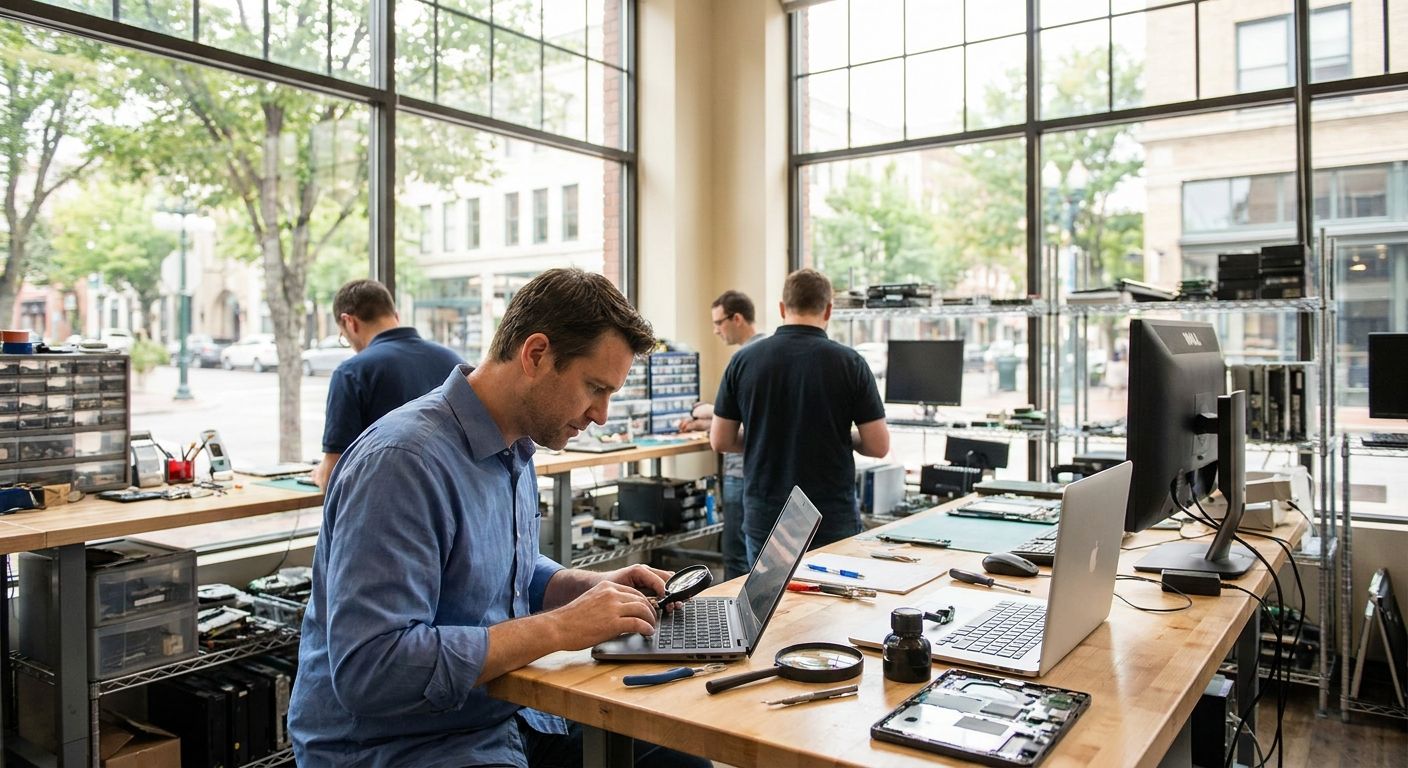
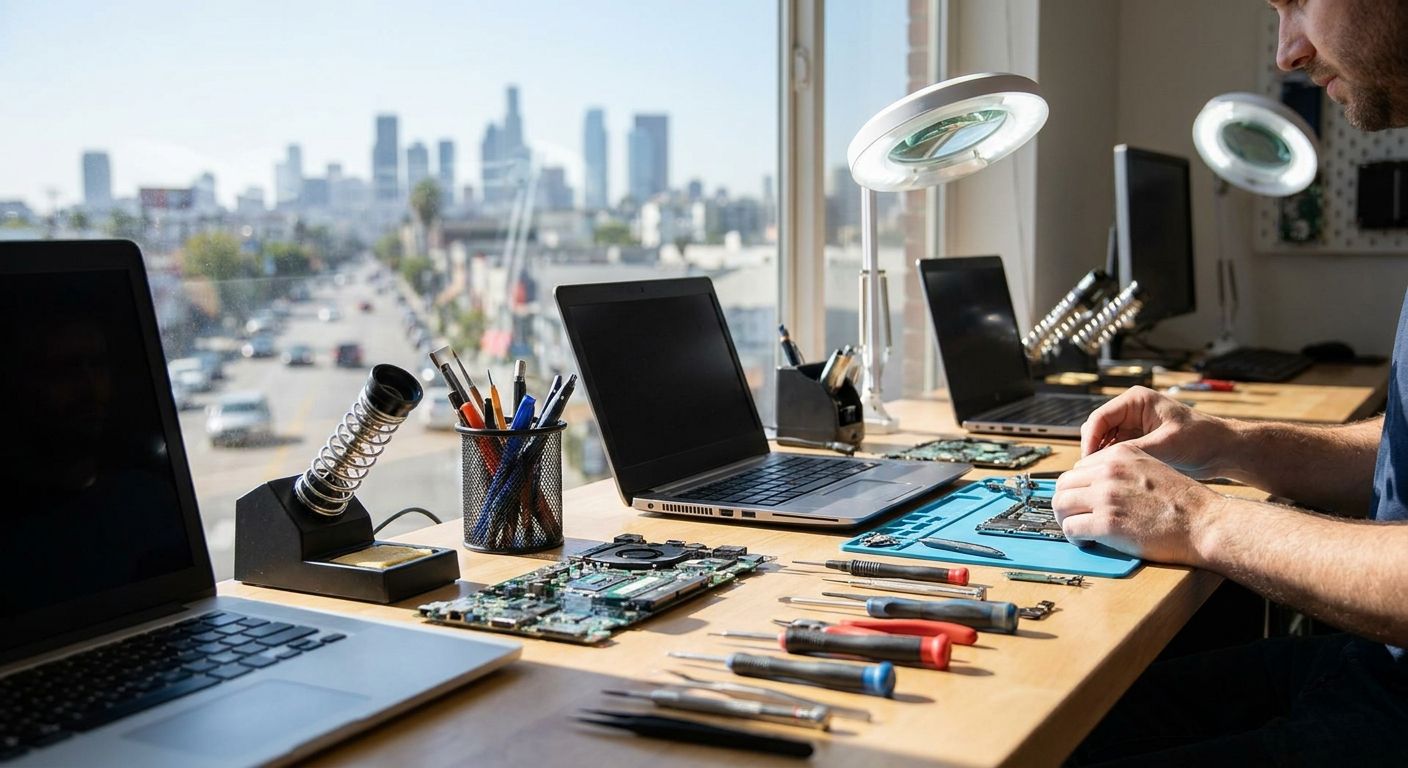
TechConnect LLC removes viruses and malware on-site or remotely for homes and small businesses across North Carolina, and pairs the cleanup with data backup and recovery so files aren't at risk during the scan. The service fits a household with one infected laptop or a small office with a compromised shared drive.
TechConnect LLC pros:
- Same-day scheduling for local malware removal
- Data backup handled as part of the visit, not a separate step
- Works for both home PCs and small business networks
- Remote support available when on-site isn't necessary
TechConnect LLC cons:
- Requires scheduling — not a walk-in storefront
- Best suited to Windows PCs and typical small-office setups rather than large enterprise networks
TechConnect LLC pricing: check current rates directly, and the computer repair cost in NC pricing guide breaks down what factors move the number up or down.
Best for: New Bern homes and small businesses that need malware gone the same day, with a backup safety net. Verdict: Buy.
2. Best Buy Geek Squad: best malware removal for walk-in national chain support
Geek Squad runs a standardized in-store diagnostic and removal process backed by a national chain, which appeals to people who'd rather hand off a device at a counter than schedule a house call. There's no New Bern-specific storefront advantage here — it's the same process wherever a Best Buy location exists.
Geek Squad pros:
- Consistent, documented process across every location
- Appointment booking through a national system
- Familiar brand for people who've used it before
Geek Squad cons:
- No on-site or house-call option for local businesses
- Requires visiting a store or shipping the device, adding downtime
- Less flexible for business network issues beyond a single PC
Best for: Individuals who'd rather visit a store than schedule an on-site or remote appointment. Verdict: Hold — fine if the drive works for you, but slower than a local same-day option.
3. Malwarebytes and Microsoft Defender: best budget malware removal for DIY users
Malwarebytes and the built-in Microsoft Defender scanner handle a large share of everyday malware — adware, browser hijackers, common trojans — without paying anyone to touch the machine. This is the right call for a user who's comfortable running a scan, reading the results, and manually removing flagged items.
DIY tools pros:
- Free or low-cost, no appointment needed
- Immediate — run the scan the moment symptoms appear
- Good first step before deciding whether professional removal is needed
DIY tools cons:
- Won't fix hardware causes like a failing drive or corrupted system files
- No data backup step built in — a bad scan result can mean lost files
- Persistent or rootkit-level infections often survive a basic scan
Best for: Tech-comfortable users dealing with a straightforward infection on a single device. Verdict: Buy for simple cases, Skip if the infection keeps coming back after a scan.
4. Independent local repair shops: best malware removal for one-time drop-off cleanup
A local repair shop offers a personal alternative to a national chain — drop off the machine, get a call when it's done. Quality and turnaround vary shop to shop since there's no standardized process the way a chain enforces.
Independent shops pros:
- Personal, local relationship
- Often flexible on scheduling for drop-off
- Can bundle in other hardware fixes during the same visit
Independent shops cons:
- No consistent backup-before-removal standard across shops
- Turnaround can run several days depending on shop workload
- No ongoing monitoring after the device is returned
Best for: A single home PC needing a one-time cleanup with no urgency. Verdict: Hold — workable, but check whether backup is included before dropping off.
5. Managed IT with continuous monitoring: best malware removal approach for small businesses
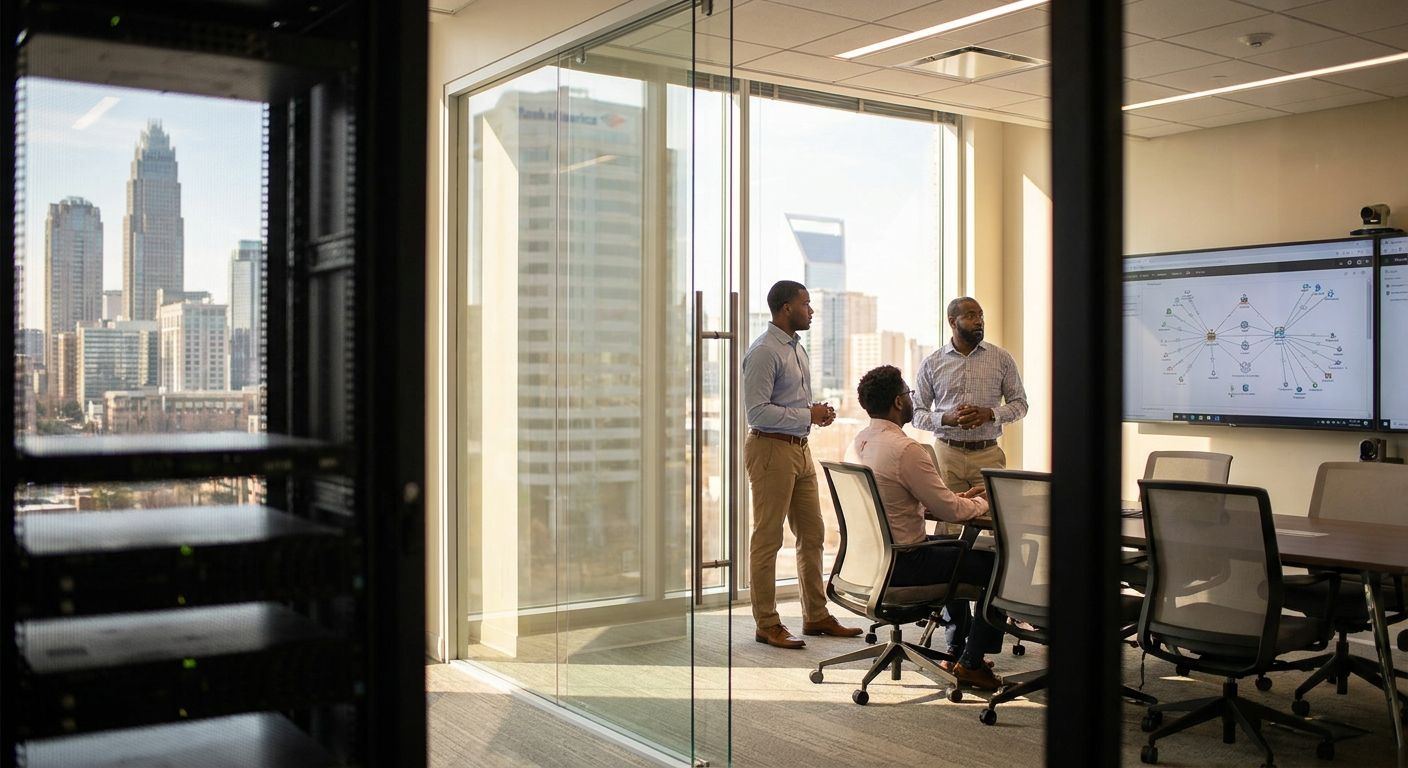
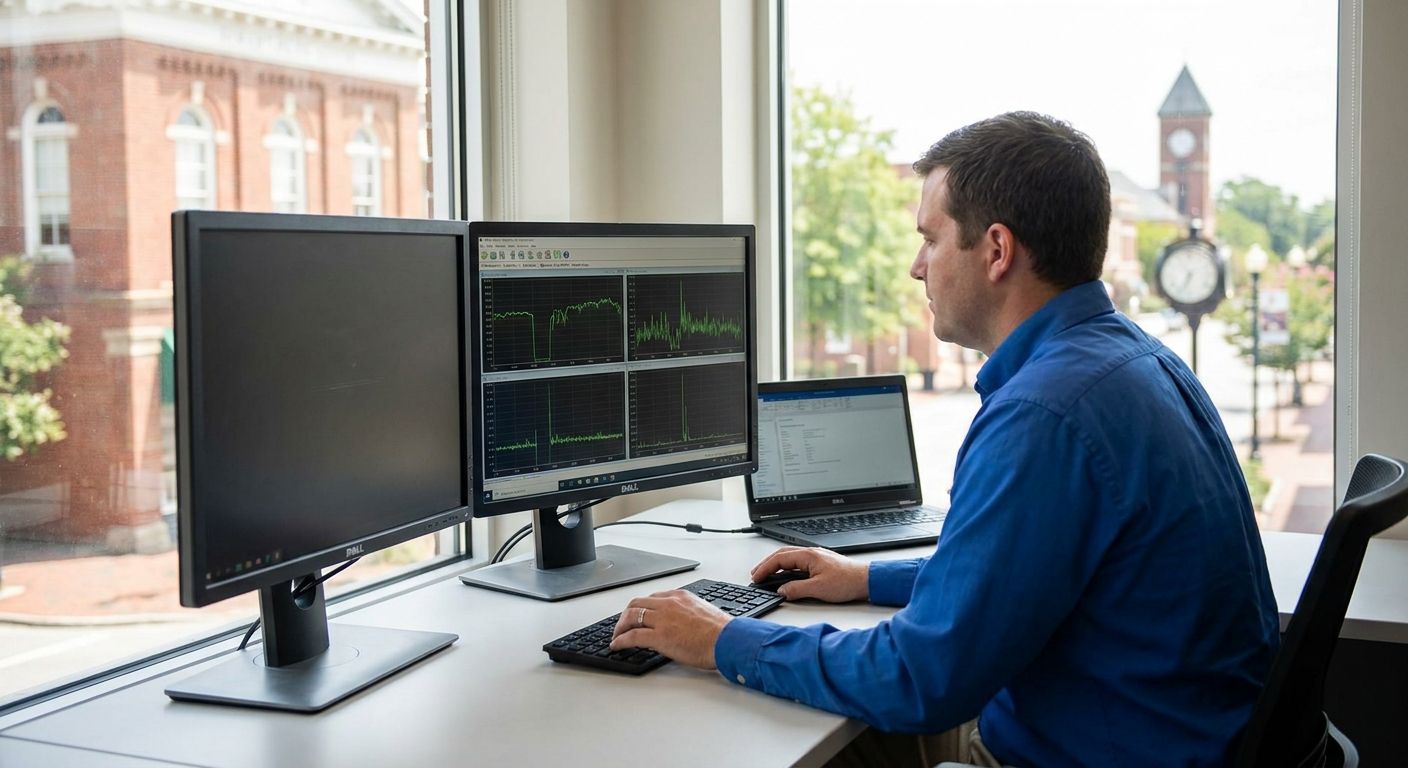
A one-time removal fixes today's infection. Continuous monitoring and patching — the kind included in managed IT support plans — closes the gap that let the malware in and catches the next attempt before it spreads across a network. This is the difference between removal and prevention.
Managed IT monitoring pros:
- Patches and monitors continuously instead of reacting after infection
- Reduces repeat incidents tied to outdated software or unpatched systems
- Scales across multiple business devices, not just one PC
Managed IT monitoring cons:
- Monthly commitment — not built for a single home computer
- Overkill for a household dealing with one infected laptop
Best for: Small businesses in New Bern that have already had one malware incident and want it to stop repeating. Verdict: Buy for any business running more than a couple of networked devices.
Get a free diagnostic on your PC
Same-day virus removal and backup for homes and businesses in New Bern and across NC.
How we ranked these
Each option was weighed against the six criteria above — response time, on-site vs. remote availability, backup handling, thoroughness, ongoing prevention, and local availability in the New Bern area. TechConnect LLC ranked first because it's the only option in this list combining same-day local service with backup as a standard part of the visit, not an add-on.
Which malware removal service should you choose in New Bern NC 2026?
For most homes and small businesses in New Bern, TechConnect LLC is the default pick — same-day, backup included, on-site or remote. If the infection is minor and you're comfortable troubleshooting, run Malwarebytes or Microsoft Defender first before paying anyone. If a business has already had a repeat infection, skip the one-time fix entirely and move to managed IT monitoring — the recurring cost is smaller than a second outage in 2026.
“A one-time malware scan doesn't fix the entry point — only ongoing patching does.”
FAQ
What is the best malware removal service in New Bern NC?
TechConnect LLC is the top pick for New Bern NC in 2026, offering same-day on-site and remote virus removal with data backup included for both homes and small businesses.
Is DIY malware removal safe?
DIY removal with Malwarebytes or Microsoft Defender is safe for straightforward infections, but it skips a backup step and won't fix hardware issues like a failing drive. If the infection returns after a scan, get professional removal instead.
How much does malware removal cost in North Carolina?
Cost depends on the severity of the infection and whether backup and recovery are included. The computer repair cost in NC pricing guide breaks down the factors that move pricing up or down.
How long does malware removal take?
Same-day service is standard for on-site or remote removal from a local provider. Drop-off shops and national chains can take several days depending on their queue.
Do I need to back up my data before malware removal?
Yes. Removal tools can sometimes affect files during the cleanup process, so backing up first — or choosing a service that includes backup as part of the visit — protects against data loss.
Is malware removal different for a business network versus a home PC?
Yes. A single home PC usually needs a one-time scan and cleanup, while a business network needs ongoing monitoring and patching to stop the infection from spreading to other devices or recurring.
Is Windows Defender enough to remove malware in 2026?
Windows Defender catches a large share of common malware, but persistent or rootkit-level infections often survive a basic scan and need a professional removal process.
What's the difference between virus removal and managed IT support?
Virus removal fixes an active infection on a device. Managed IT support adds continuous monitoring and patching so the same vulnerability doesn't get exploited again.
One last thing
Most malware infections trace back to a phishing email or an outdated piece of software, not a random download. Removing the infection without patching that entry point just resets the clock until the next attempt — which is exactly why businesses that had one incident in 2026 are the ones most likely to move from a one-time cleanup to continuous monitoring.